
What is SEO and how to improve it?
Ways to build your website’s search and remain prominent
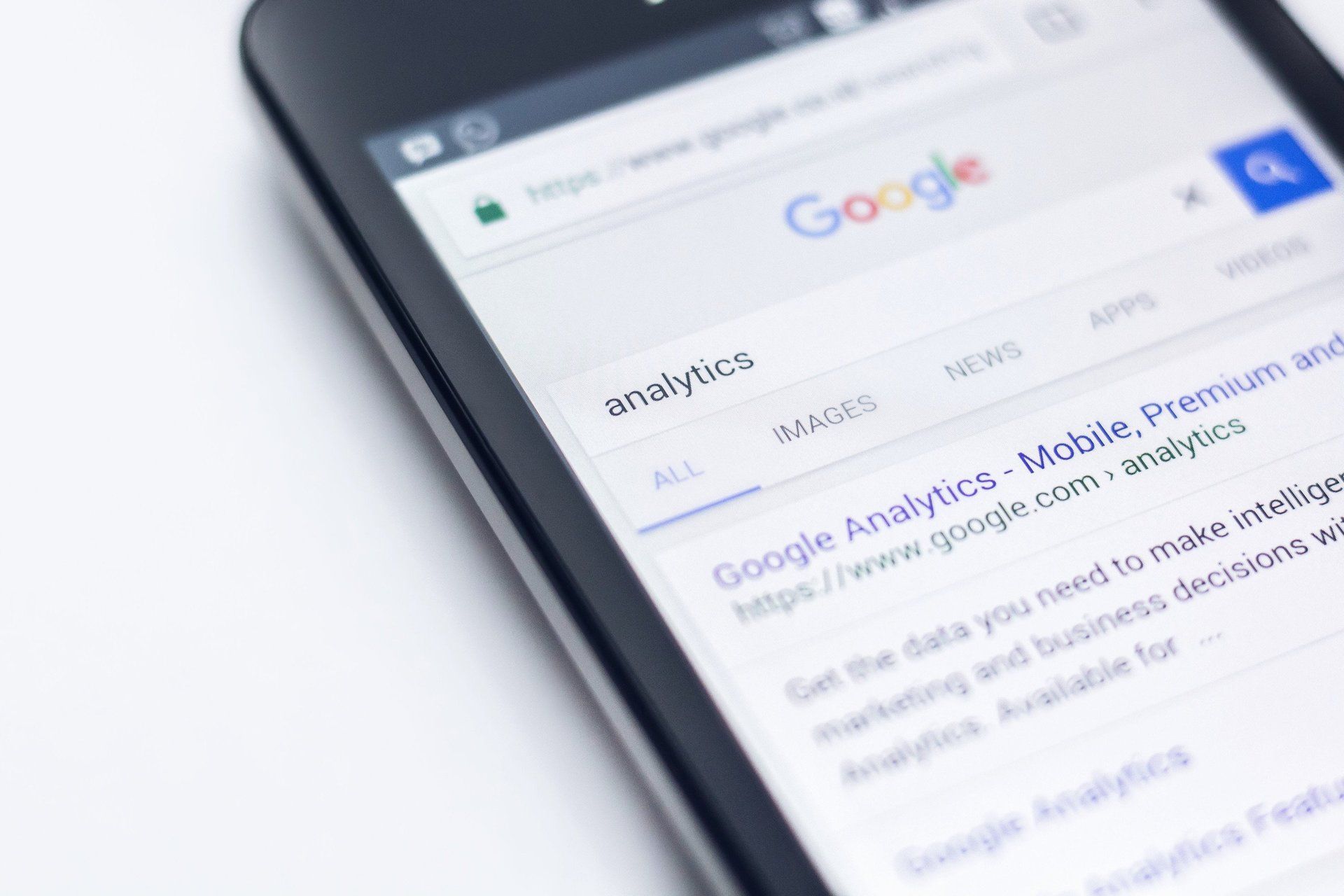
One of the most commonly asked questions we receive from our clients involves the topic of SEO. Most simply just want to talk about the topic but don’t know exactly what to ask. The tricky part about SEO is that it isn’t just one thing and although it isn’t necessarily complicated, it is demanding.
Understanding SEO
If you are having a hard time understanding SEO, consider this analogy; SEO is like a credit score, there are many variables that go into building a good one over time. Many of the variables are technical and can vary from one day even to the next. Plus, a good credit score or SEO rating doesn’t necessarily go up or down overnight.
SEO stands for search engine optimization. Search Engine Optimization is a technical term used to describe how Google and other search engines find a website. It’s the way websites communicate to search engines who they are and what they do. The primary goal should be to show Google that your business is an industry expert. Simply put, the better your website expresses that, the better you’ll show up in search results.
What does Google search for?
There are many complicated factors that go into SEO and Google isn’t very forthcoming about most of the specifics. It isn’t one thing and it isn’t a quick fix, that’s why some consider it demanding and time consuming too. However, you can’t fail with good content. Recently Google announced new ranking signals that go into effect this May, placing emphasis on certain core web vitals. It’s basically a subset of factors that will be a part of Google’s page experience score. Google wants to fix poor user experiences.
A website must be engaging, easy to navigate, and well laid out while being structured properly. We often meet with clients that show us old websites with pages that are buried in folder after folder, writing that is repetitive and outdated, plus limited pictures and videos that are irrelevant. Naturally for a user it’s confusing and frustrating to navigate a website that is poorly designed.
How can GoBeRewarded help?
Does your page load quickly? A slow page speed will decrease a ranking with Google. At GoBeRewarded marketing agency, we use Duda to build our websites for a variety of reasons, including its ability to score higher on Google’s Lighthouse speed test. Duda also provides more advantages for our clients with automatic SEO settings built into the platform.
Plus the platform allows easy optimization across other platforms, so you can see what your site will look like on a desktop, tablet, and mobile mode from a preview link to see the engaging user experience for yourself. Just switching your website with Duda will help optimize your content and increase your visibility online.
Additionally Google’s new Core Web Vitals are met with Duda’s platform.
Our team also keeps track of your organic search engine results via
Google Search Console. This tool allows us to actually quantify SEO results and understand what’s working and what isn’t. If you have a website with us and would like to go over your search result data, definitely get in touch with us.
Why does content matter?
Excellence in content is key. There are several factors that go into creating a website with a high ranking but great content is a must. Professional pictures that are strategically placed and brand-driven writing tailored to your business is going to make a website stand out.
One of the most important ways to improve your SEO is to
start and maintain a blog. A blog continuously creates new content and expands the number of pages a potential user can land on to find you. A blog keeps your website “fresh” while showcasing your industry expertise. Plus a blog can minimize the bounce rate which can impact your SEO score and ranking. Ultimately, the more content that is available, the more likely the Google search engine will pick your website.
If you have questions about SEO
contact us today and
schedule an intake meeting with us at GoBeRewarded. If your business needs more exposure, so you can set up more appointments, and confirm more consultations, we can help. Learn how you can utilize our team of web designers, copywriters, videographers, photographers, & marketing experts to work for you to create a specialized website.